
What Is a St. Louis County Court Docket
St. Louis County court dockets are chronological event tracks tied to a specific case file, used to show hearing times, parties, documents filed, and court actions. A docket is not a full case dossier by itself. It is a process log for a file opened in Minnesota District Court with civil, family, criminal, probate, and juvenile or mental health designations in the St. Louis County system.
The district trial system in St. Louis County uses three courthouse locations. Those locations are where many filings begin, where public records terminals are available, and where local confirmation occurs if docket details are restricted or delayed. The court hierarchy is District Court at trial level and Court of Appeals for appeals, with the Minnesota Supreme Court as a further limited review path.
For practical use, a docket search is usually paired with case-search and hearing-search tools. The docket gives timing context, while a full record view adds charge text, counsel notes, and document links when they are available.
How to Find St. Louis County Court Dockets Online
The primary online method for docket visibility is Minnesota Court Records Online hearing search. The hearing search helps narrow the work between court category and county location before opening a case view for details.
- Open the MCRO Hearing Search portal and accept the terms.
- Select a name-based search or case-number path and choose St. Louis County under County search.
- Apply case category filters such as Criminal, Civil, Family, or Probate and set date range if needed.
- Run the search and match results to the official case number format used in St. Louis County files.
- Open linked case entries to confirm hearing type, courtroom, and public documents.
Source link for hearing search:
https://publicaccess.courts.state.mn.us/HearingSearch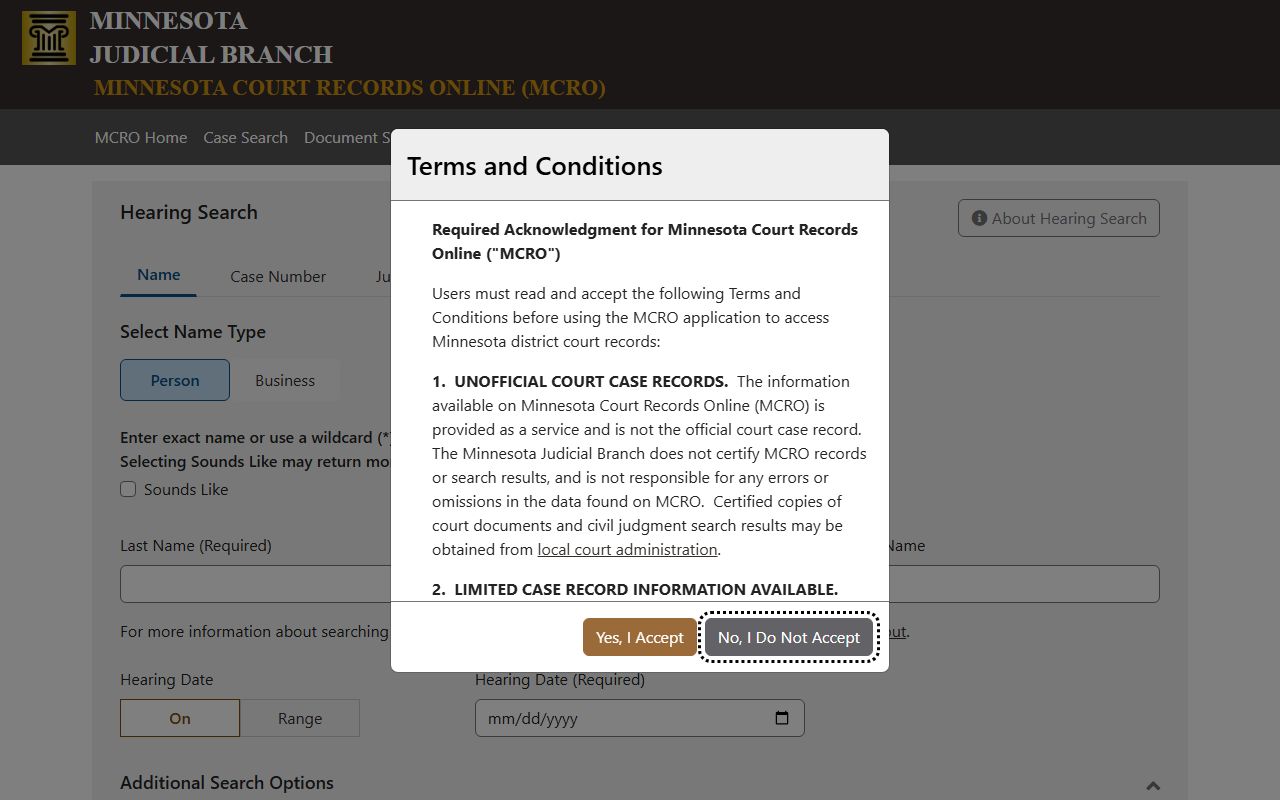
The portal is the primary online channel for hearing-focused docket discovery across St. Louis County districts.
MCRO Hearing Search Field Guide
Use the fields below to narrow a broad docket scan into a direct result set for St. Louis County hearings.
| Field Label | Type | Required | Notes / Format |
|---|---|---|---|
| Search tab | Tab/button | Yes | Choose Name, Case Number, Judicial Officer, or Attorney. |
| Name type | Person or Business selector | When name search | For exact party names or organizational name entries. |
| Last Name | Text | Required for person name | Wildcard searches follow the Minnesota portal rules shown in the public interface. |
| First Name | Text | Required for person name | Use additional identifiers when similar names appear in local filings. |
| Middle Name | Text | No | Optional and helpful for disambiguation. |
| Hearing Date | Date or range | No | Use exact date or date range. |
| Case Category | Checkbox | No | Choose among Civil, Criminal, Family, Probate, Mental Health. |
| Court Locations | Radio and county list | No | Choose County and limit to St. Louis for local-only workflows. |
| Find | Button | Yes | Submits the search. |
| Clear | Button | No | Clears all fields for a fresh run. |
Which St. Louis County Channels Publish Dockets
District Court handles active trial-level dockets for St. Louis County matters. The same case numbering pattern appears across Duluth, Hibbing, and Virginia files, with local filing location affecting where a clerk may confirm missing material. Appellate-level materials for Minnesota, such as Court of Appeals and higher review outcomes, are not the same workflow as trial dockets and are often handled through separate case systems.
- St. Louis County District Court (Duluth, Hibbing, Virginia) - Primary source for trial dockets in civil, family, criminal, probate, and juvenile-related matters.
- Sixth Judicial District court calendar pages - Searchable and PDF-based calendars with periodic updates.
- Minnesota Court of Appeals records - Appeals process and docketing are separate from St. Louis County trial-level hearing dockets.
Source link for Sixth District calendars:
https://mncourts.gov/find-courts/sixth-judicial-district/county-court-calendars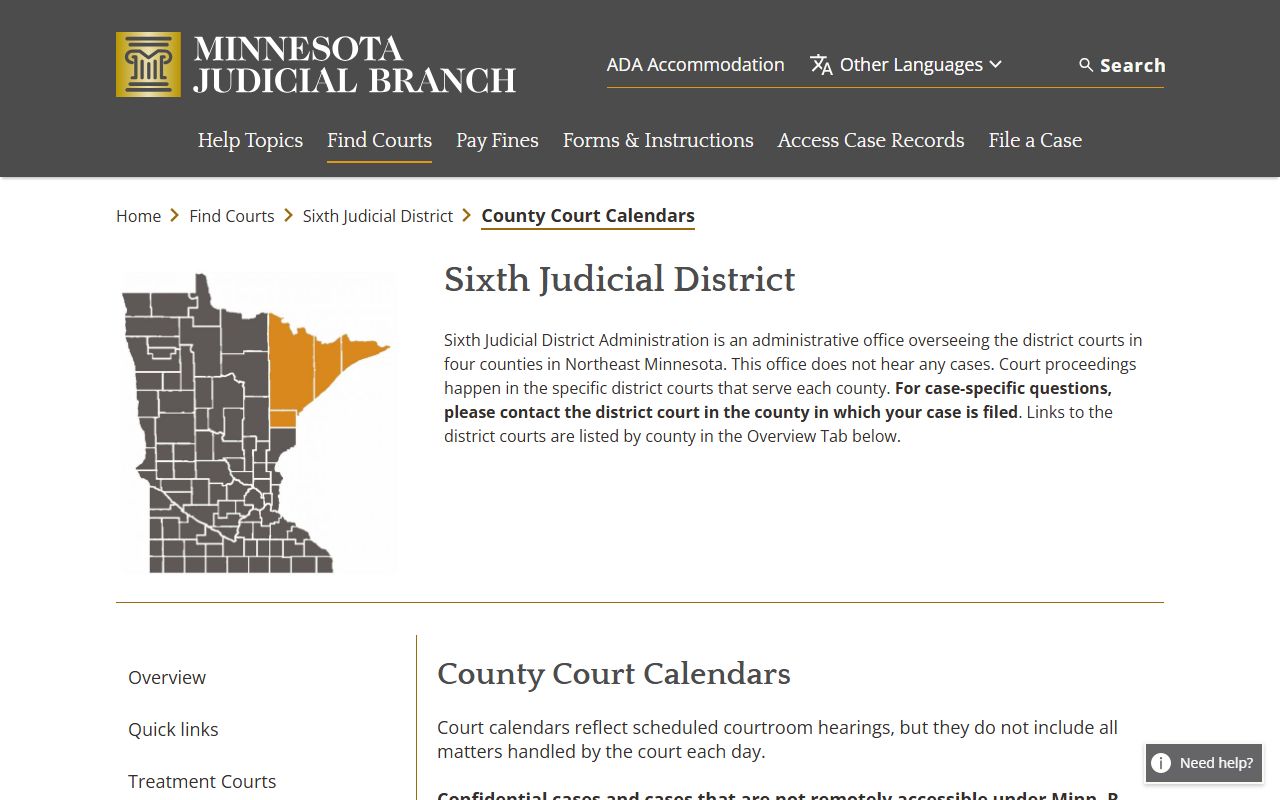
Use the calendar stream for quick scheduling checks, then verify hearing changes on the case-level docket or with the courthouse.
Sample St. Louis County Docket Entry
A typical docket entry includes a time-stamped event with a description of the court step. The same case number can have many rows, each row tied to filing events, hearing updates, motions, or outcomes.
| Field | What It Shows |
|---|---|
| Entry Date | When the event was entered in the event list. |
| Event Type | Hearing, motion, filing, order, or result marker. |
| Party Filing | Defendant, petitioner, counsel, or clerk-initiated action recorded on the event. |
| Hearing Details | Scheduled date, courtroom, case type, and judicial officer when available. |
| Document Link | Public order or filing notice available under access rules. |
| Court Location | Indicates if activity is tied to Duluth, Hibbing, or Virginia filings. |
Courts and the Docket Flow in St. Louis County
The trial docket flow stays in District Court, while appeals move into the Court of Appeals structure. In the trial pipeline, each case event generates new docket rows over time. Some events appear in real time, while others may trail until court staff finalizes postings.
Court flow for docket updates is easiest to think of as: filing and assignment, hearing scheduling, event updates, and order results. For criminal files, this may include arraignment and plea events before sentencing. For civil and family files, settlement events, motions, hearings, and orders may appear more often than criminal-style entries.
Case-type flow for St. Louis County filing is tied to the case category and docket movement at the courthouse. The same case number identifies the chain across hearing search, calendaring, and case-level record views.
Docket vs Full Case Record
| Docket | Full Case Record | |
|---|---|---|
| Primary content | Event log and schedule updates | Case metadata, parties, hearing stream, document list, and filings |
| Typical use | Track what happened and when | Review legal history and citation links in context |
| Access limits | May still be missing for sealed matters or restricted cases | May require in-person copy process for official outputs |
| Example fields | Hearing type, date, courtroom, event description | Charges, plea, disposition, attachments, and judgment steps |
How to Read St. Louis County Docket Entries
Reading a docket starts with the event sequence. Entries generally move in chronological order and are the best marker for deadlines, hearing posture, and case momentum. If an expected hearing appears to be missing, check the calendar source and then compare with the full case view. A case can be active in the court file but absent from a given public schedule view due to non-remote access rules.
Common event labels include filing, hearing, order, and disposition rows. In criminal contexts, users often look for arraignment, motion, plea, trial, and sentencing rows. In civil contexts, motion and order rows around debt, custody, contract disputes, and settlement history matter most. In family contexts, custody or parenting-related entries often appear in hearing labels and status fields.
Because the portal warns that some case classes are not fully remote, never rely on one list alone. If case timing affects appearance obligations, call the relevant courthouse administration office for direct confirmation.
Docket Changes, Missing Entries, and Practical Remedies
St. Louis County calendars note that scheduled hearings posted in calendars are not complete for every matter. The practical remedy is a combined workflow: search MCRO, verify calendar updates, then confirm at courthouse channels for restricted rows.
Additional local context includes county updates on staffing and public events that can affect docket administration. If a case does not appear in MCRO hearing search, use exact case number and date controls, then request in-person confirmation through court administration.
Source link for County Attorney docket updates:
https://content.govdelivery.com/accounts/MNSTLOUIS/bulletins/402e2e5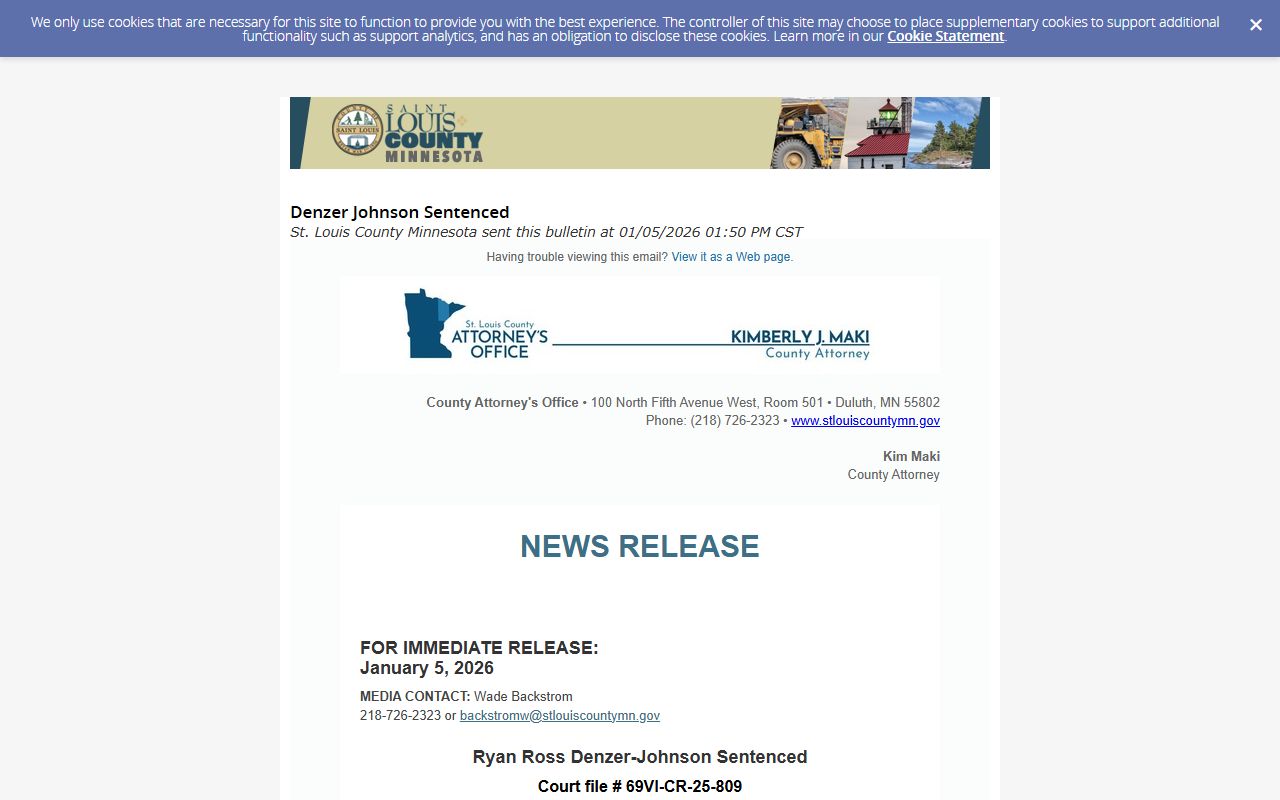
Public updates and verdict notices can indicate whether a docket row is likely to appear before a case becomes fully populated.
Source link for additional docket context:
https://content.govdelivery.com/accounts/MNSTLOUIS/bulletins/40bcaec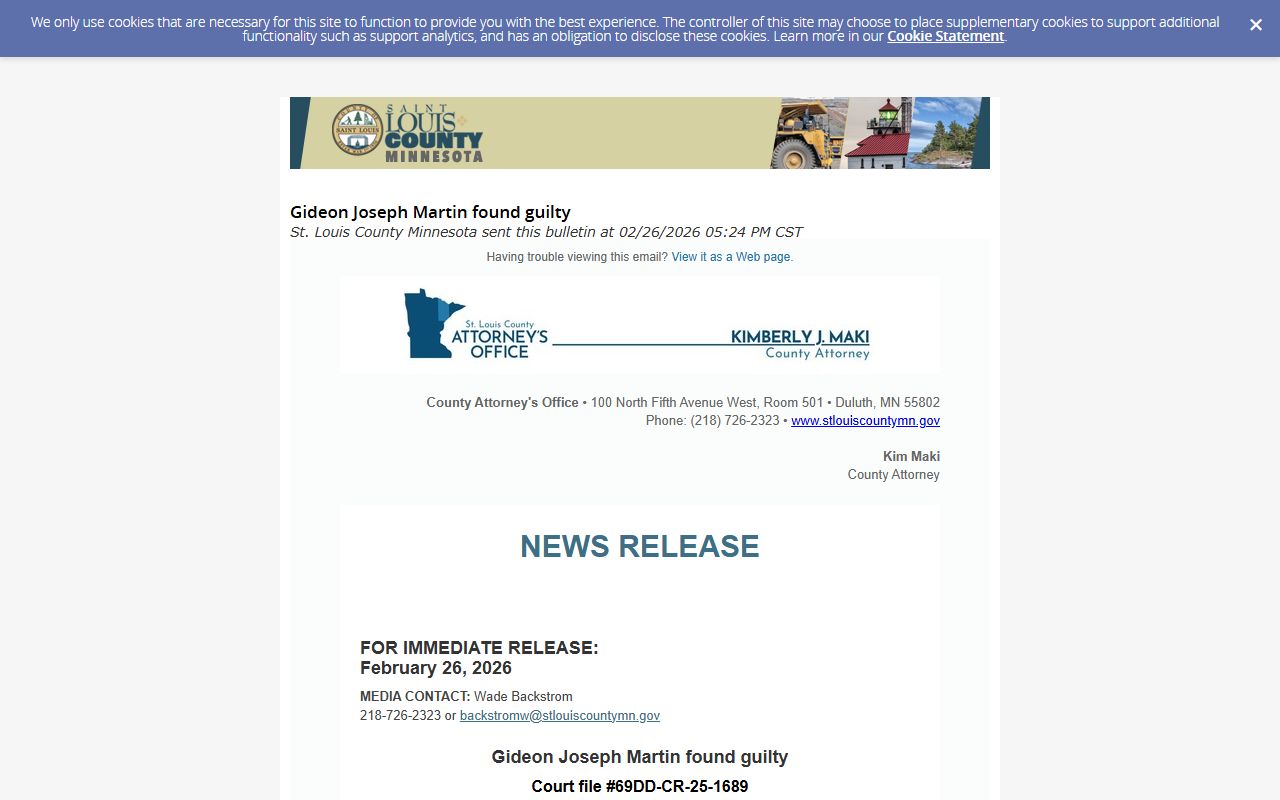
When court updates mention case files and hearing outcomes, they can help identify the right filing number in a high-volume trial court workflow.
Source link for court service environment updates:
https://content.govdelivery.com/accounts/MNSTLOUIS/bulletins/404697a
Administrative updates can affect courthouse operations and public access timing, so pairing docket searches with confirmation calls is often faster.
Source link for Sheriff community update:
https://content.govdelivery.com/accounts/MNSTLOUIS/bulletins/3cf63df
Community and operations updates indicate when public channels are most stable for scheduling and information verification.
Access Channels for St. Louis County Dockets
Use all channels together, not in isolation. The recommended sequence is MCRO hearing search, court calendars, courthouse confirmation, and fallback county records pathways.
- Minnesota Court Records Online for hearing search and initial docket discovery.
- Sixth Judicial District calendars for local posting cadence and cross-checking dates.
- Court administration offices in Duluth, Hibbing, and Virginia for docket entries that are restricted online.
- Court Records for broader case context and document availability after an event is identified.
- Warrant and inmate channels if a listing appears linked to a warrant or custody transfer note.