
How to Search St. Louis County Court Records
Start with the statewide MCRO Case Search portal. It is the official remote search point for St. Louis County District Court records. Use the search portal to locate file-level information first, then use court-office channels for certified or missing material. MCRO should be used with case category limits because St. Louis County has active filings across civil, criminal, family, and probate lines.
Key steps for St. Louis County:
- Open https://publicaccess.courts.state.mn.us/CaseSearch.
- Select Name, Case Number, Citation Number, or Attorney search mode.
- Choose county filter, then select St. Louis from the county chooser.
- Select one or more case categories and run the search.
- Open the result to read the docket summary, hearing details, and public documents.
When a record is not visible online by name, search directly by case number because county-level criminal and traffic records can be delayed in name indexes. For files with pending status and no conviction, online filing details can be sparse until official docket stages are entered.
St. Louis County Court Records Search Fields
The MCRO field set gives direct control over how narrow the search is. For people who need precision in St. Louis County matters, pairing exact data with court type filters is the most reliable method.
| Field Label | Type | Required | Notes / Format |
|---|---|---|---|
| Search tab | Button | Yes | Pick Name, Case Number, Citation Number, or Attorney for entry mode. |
| Select Name Type | Radio | For name searches | Person or Business; person search supports wildcard trailing after two characters. |
| Sounds Like | Checkbox | No | Use for likely misspellings, but wildcards are not combined with this option. |
| Last Name | Text | Person search required | At least two leading characters for wildcard behavior. |
| First Name | Text | Person search required | Exact values or wildcard after two characters. |
| Date of Birth | Date | No | Use for identity disambiguation. |
| Date Filed | Date | No | Use exact date or date range where needed. |
| Case Category | Checkbox | No | Options include Civil, Criminal, Family, Probate or Mental Health. |
| Case Status | Dropdown | No | Active, Inactive, or All. |
| Court Locations | Radio + county list | No | Choose County and select St. Louis for county-limited retrieval. |
| Find | Button | Yes | Submits the search and returns matching records. |
| Clear | Button | No | Clears the input form for a fresh query. |
Document Search and Judgment Search in St. Louis County
After a case search, many users need judgment and document-specific views. St. Louis County case data may be separated across MCRO Judgment Search and Document Search, especially for docketed debt and enforcement steps.
Use Judgment Search for monetary judgment lookups by name and docketed date, and Document Search when public court documents are available and permitted online under Rule 8 style restrictions.
Source for case search context:
https://publicaccess.courts.state.mn.us/CaseSearch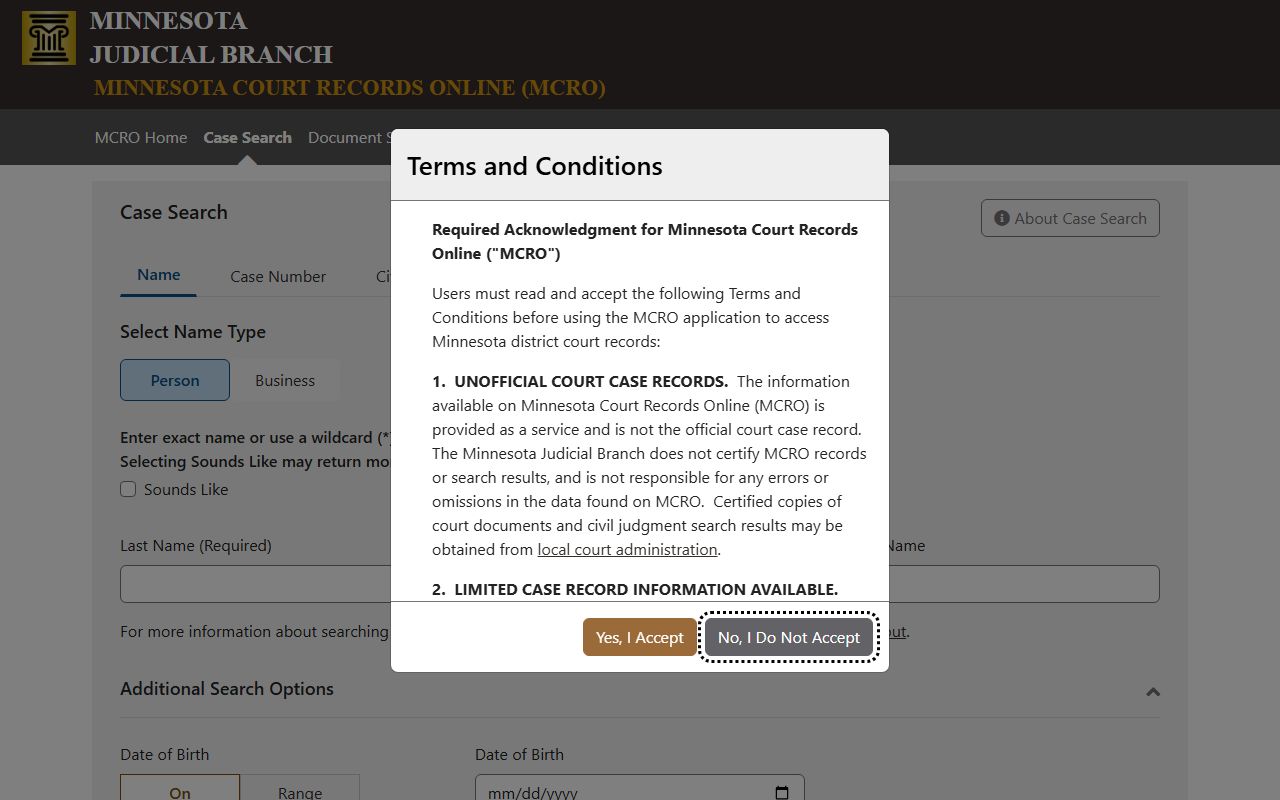
Case search is the core channel for St. Louis County court records and should be paired with category filters for accuracy.
Source for document search context:
https://publicaccess.courts.state.mn.us/DocumentSearch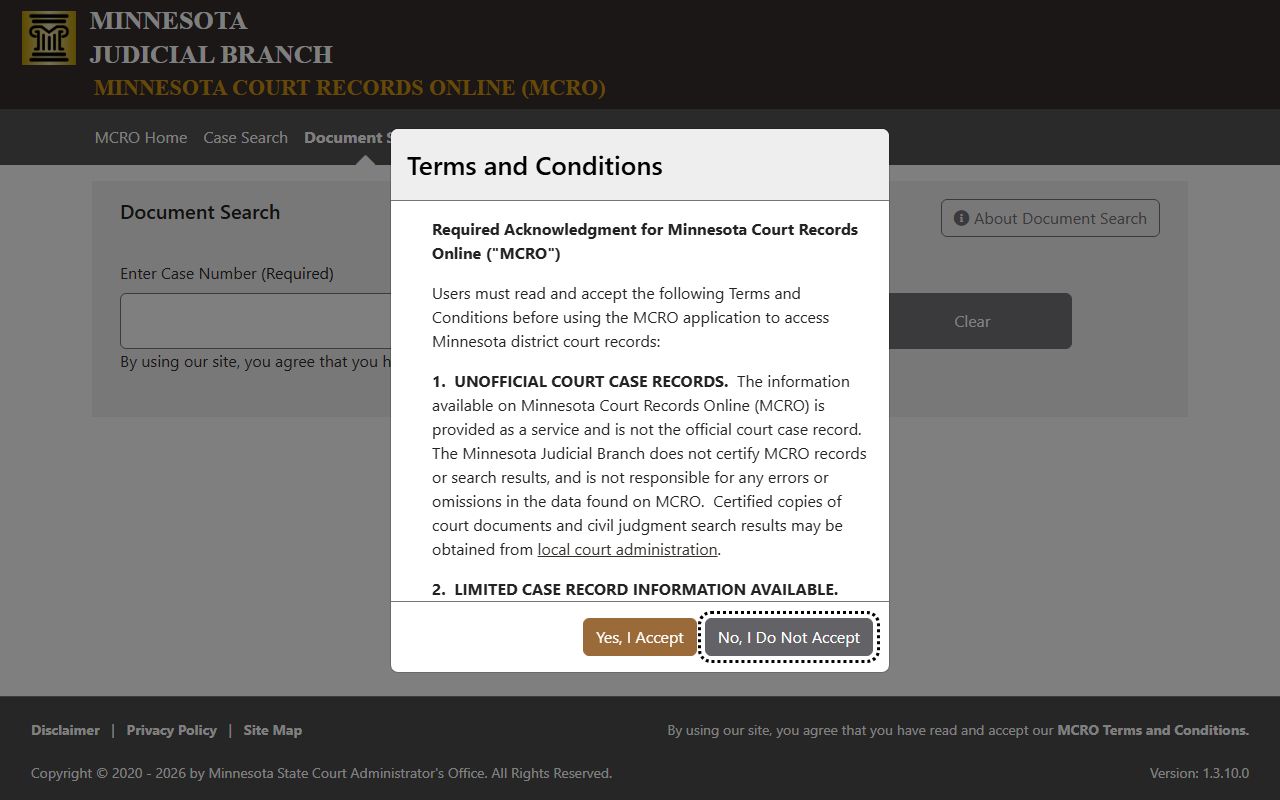
Document search shows what records were released publicly and can fill gaps when docket views are only summaries.
Source for judgment search context:
https://publicaccess.courts.state.mn.us/JudgmentSearch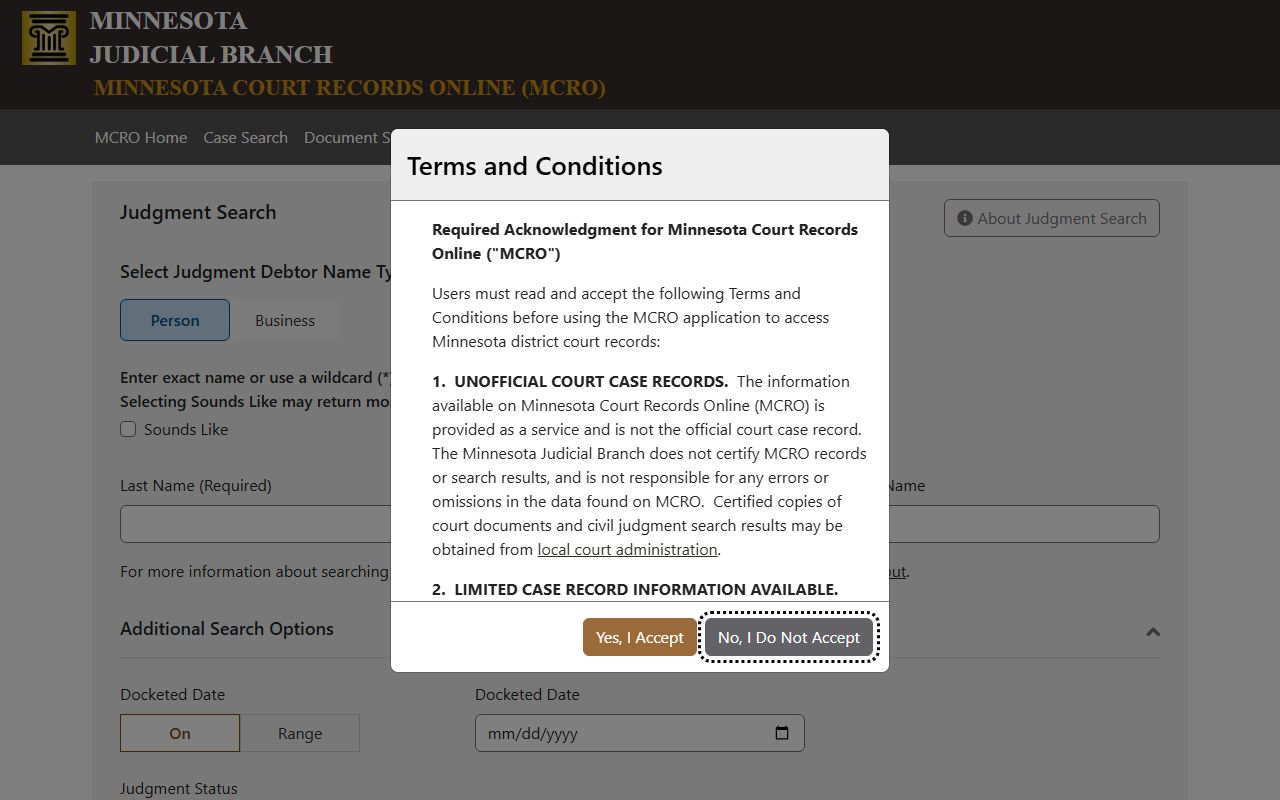
Judgment search is valuable for cases with financial liabilities where users need enforcement and docketed judgment status.
Types of Court Records in St. Louis County
St. Louis County District Court handles a broad case mix. Civil files include family, financial disputes, property matters, and procedural motions. Criminal files track charges, hearing events, plea and trial decisions, and sentencing outcomes. Family files include divorce and support-related case action. Probate or mental-health files cover estate administration and protected person proceedings.
The court channels remain unified by county because this is one district trial court system, so the search route is the same across case categories.
- Civil - Complaints, parties, motions, hearings, and judgments on debts, contracts, property, or injunctive relief.
- Criminal - Complaint data, charges, dispositions, sentencing history, and active or historical hearing updates.
- Family - Divorce, custody, parenting, support, and paternity proceedings.
- Probate and Mental Health - Estate petitions, conservatorships, guardianships, letters, inventories, and closure steps.
What St. Louis County Court Records Show
A typical St. Louis County case record in MCRO and related portals includes structured fields that support legal reference and timeline tracking. Key values are case number, parties, hearing flow, and judicial action, but not all data appears in every matter because some fields are restricted.
| Field | What It Shows |
|---|---|
| Case Number | MN court identifier with county and year context. |
| Court Location | Indicates if the file is in Duluth, Hibbing, or Virginia. |
| Case Category | Case family including Civil, Criminal, Family, Probate, or Mental Health. |
| Case Status | Whether the file is active or inactive. |
| Filing Type | Case creation method and initial filing details. |
| Party Information | Names and roles for plaintiffs, defendants, petitioners, and respondents. |
| Attorney | Representative handling each step. |
| Judicial Officer | Judge assignment for hearing progression. |
| Register of Actions | Chronological list of events, including findings, orders, and motions. |
| Public Documents | Case filings and notices available under public-access rules. |
Public Access Framework for St. Louis County Court Records
Minnesota court records are accessible online but not exhaustive. St. Louis County matters like sealed juvenile materials, some commitment details, and protected-family identifiers are withheld or partially restricted. MCRO is a remote access channel, while full public inspection and certified copies are office-based.
For secure records and inspection expectations, start with the court rules and statutes, then route restricted requests to the court administration location where the filing occurred.
Key statutes and rules:
Minn. Stat. ch. 13 - state-level public-data classification framework.
Minnesota Rules of Public Access - governs inspection and copy channels.
Minn. Stat. 13.82 - law enforcement data and public release boundaries.
Minn. Stat. 13.87 - criminal-history data rules for background inquiry context.
Minn. Rule 4 - case-type specific public-access limits.
Source for record-law context:
https://mncourts.gov/access-case-records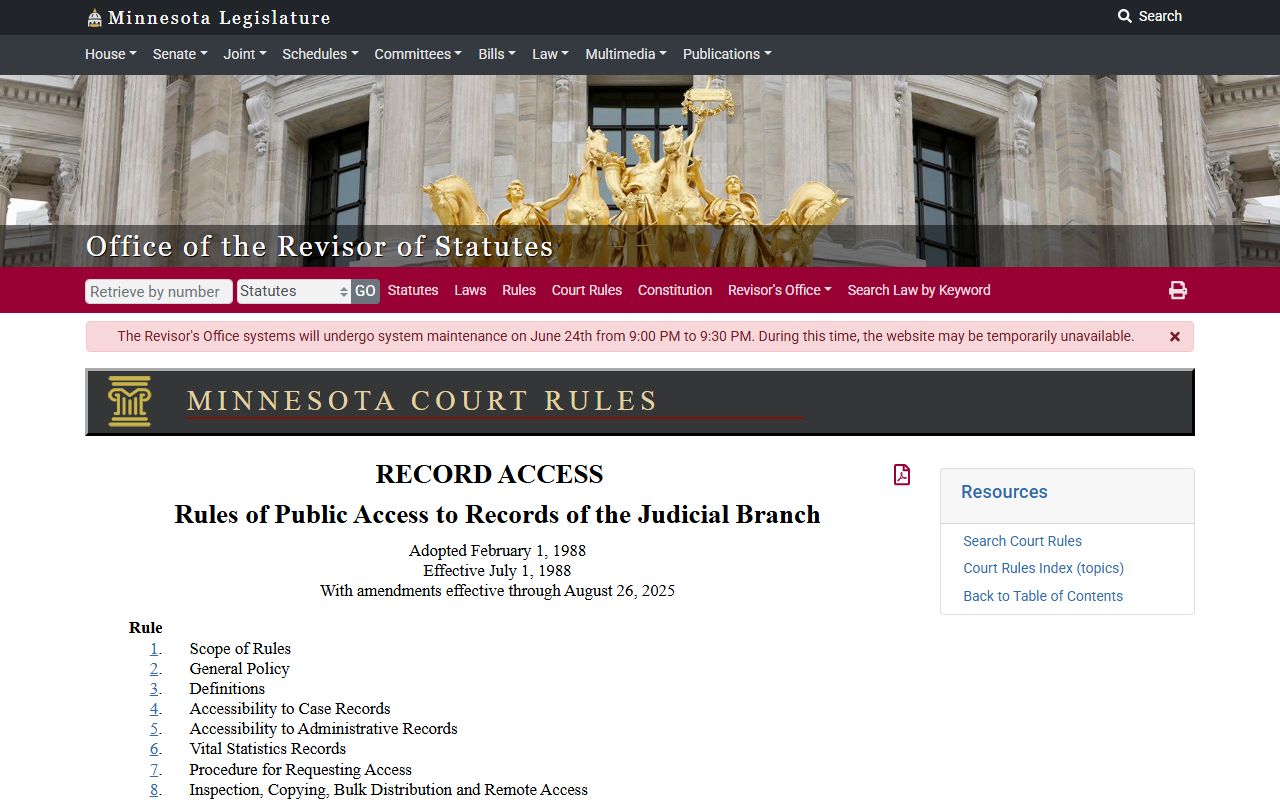
Access rules link legal policy to what is viewable in remote tools versus what requires in-person confirmation at court.
Sealed, Restricted, and Remote-Only Limits
St. Louis County records have common restrictions: juvenile matters, civil commitments, certain protective-order details, adoption-related information, and expungement pathways. Some personal data fields are redacted by design, including street addresses and sensitive identifiers.
If a record is restricted online due to privacy or statute, the safest path is to request clerk guidance. They can confirm whether the case has a protected component and what inspection options are available.
Source for access restrictions and custodial guidance:
https://www.revisor.mn.gov/statutes/cite/260B.163/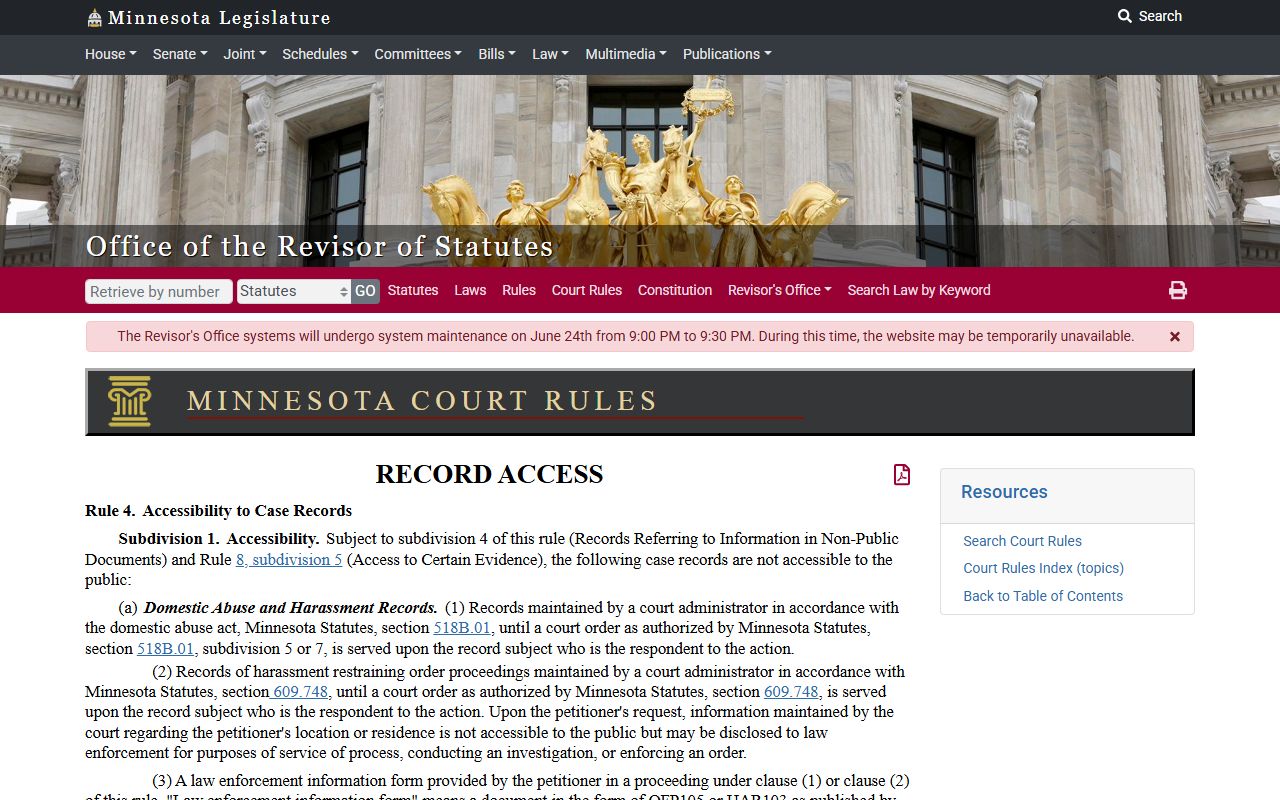
Use this as the baseline before requesting restricted filing copies or expecting direct online visibility.
In-Person Record Requests and Local Offices
MCRO is efficient for remote discovery, but St. Louis County requires physical follow-up for certified copies, sealed-record handling, and some historical material. Contact the filing office where the case is maintained, because files can follow the county or courthouse where the file originated.
Each of Duluth, Hibbing, and Virginia has a Court Administration presence and public access terminal support. Use local office channels for certified copies and for case files that are not fully remote visible.
Duluth Court Administration
100 N. Fifth Avenue W.
Duluth, MN 55802
(218) 221-7560
Mon-Fri 8:00 AM - 4:30 PM
Hibbing Court Administration
1810 E. 12th Avenue
Hibbing, MN 55746
(218) 274-6007
Mon-Fri 8:00 AM - 4:30 PM
Virginia Court Administration
300 South Fifth Avenue
Virginia, MN 55792
(218) 305-7021
Mon-Fri 8:00 AM - 4:30 PM
St. Louis County Court Filing and Copy Fees
The court filing and copy environment is tracked by the Minnesota fee schedule with county-specific service amounts. Online viewing is generally free. Copies, certified responses, and official print products often have charges that vary by service type.
Published fee references should be verified before a filing because office updates and case-specific add-ons can apply.
Source for fee references:
https://mncourts.gov/help-topics/court-fees/district-court-fees
The fee page should be used for current filing and copy amounts, and then this court-record channel confirms whether certified output and case-specific add-ons apply.
Channel Strategy for St. Louis County Court Records
Use MCRO first, then local office channels. This is the fastest pattern for St. Louis County because it separates publicly searchable case metadata from official paper output.
- Use MCRO for initial case, hearing, judgment, and document search.
- Use St. Louis County District Court administration for certified copies and missing fields.
- Use public records channels for marriage and vital records, not for court case copies.
- Use BCA criminal history for criminal-background context only.
- Use DOC or sheriff channels for custody verification in specific detention scenarios.
Data Law and Court Rules in Practice
The legal rules around public records in St. Louis County are practical checkpoints for real searches. Rule 4 and the Minnesota Rules of Public Access define whether a document is visible in MCRO. The state Government Data Practices act affects state agency disclosures and data classification for publication and distribution.
As a practical rule, if a field is missing from online records, that does not necessarily mean the data does not exist. It may be restricted, pending, or available only through court office inspection.
Source for Minnesota rules context:
https://www.revisor.mn.gov/court_rules/rule/ra-toh/
This citation is a practical anchor when a user wonders why one case is visible while another one is withheld.